Test environment – pictures
All screenshots come from the web view of the same configuration, once per panel model. They show how the same pages look on the five formats. The files live in doc/Pictures/testumgebung of the repository. How to import the configuration is described in Test environment.
Every block links back to the exact place on the main page it is called from.
Contents:
Pages per model
Eight pages per model. There are no empty cells — a dash means the picture is missing.
| Model | Light (home) | House | Readings | All roles |
|---|---|---|---|---|
| EU (480 × 320) | 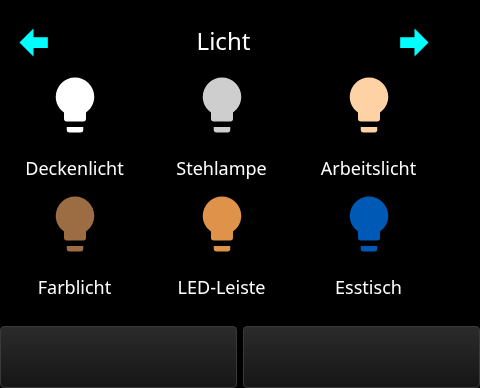 |
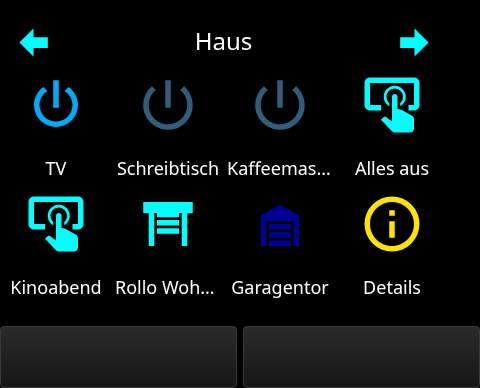 |
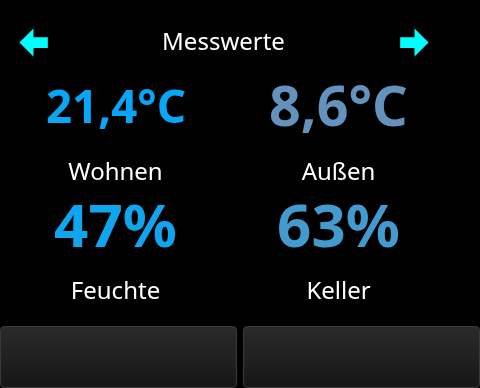 |
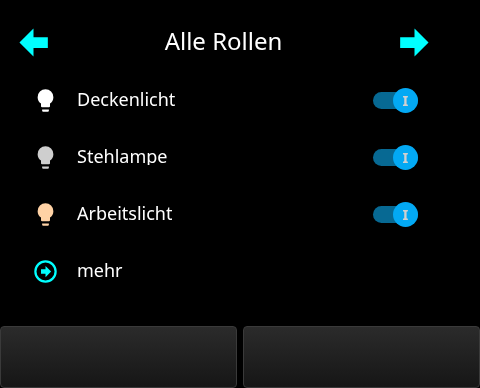 |
| US landscape (480 × 320) | 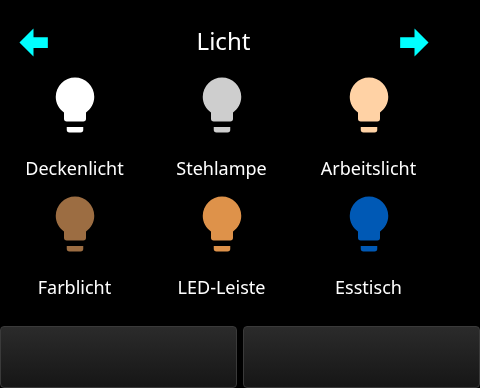 |
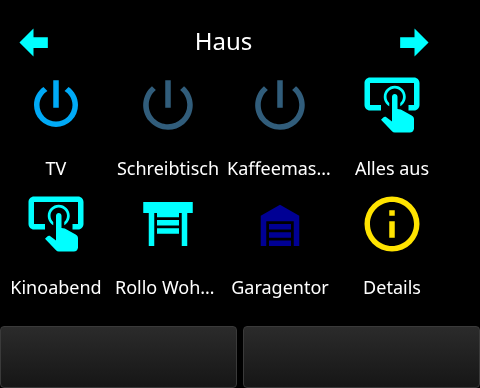 |
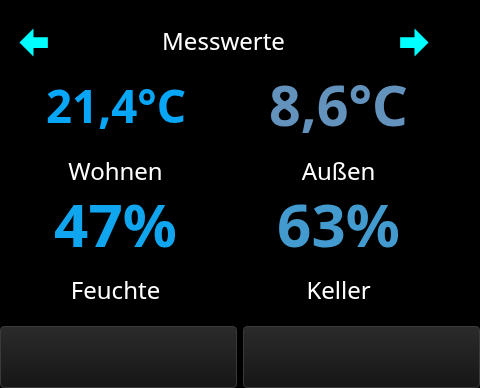 |
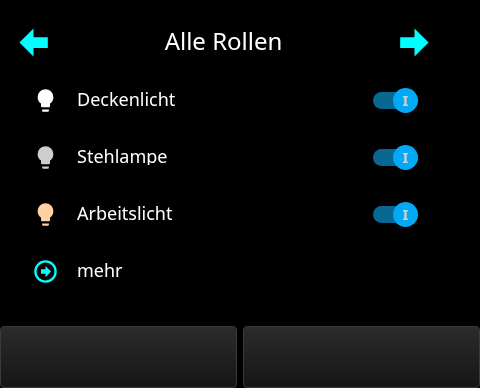 |
| US portrait (320 × 480) | 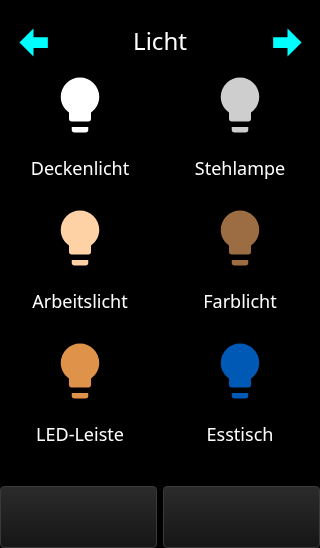 |
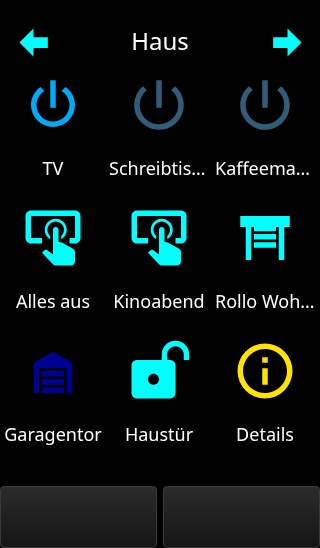 |
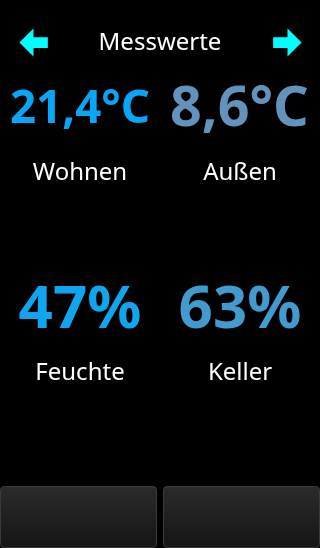 |
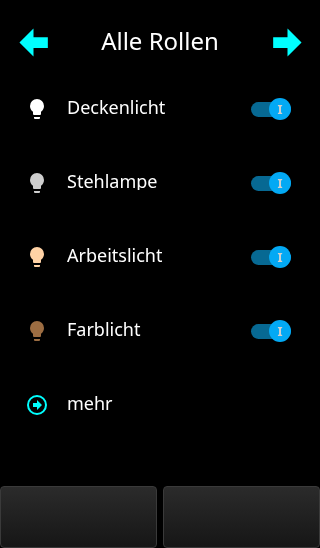 |
| Smartphone landscape (640 × 320) | 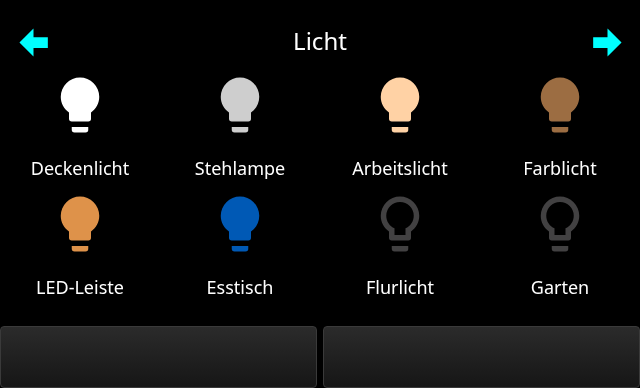 |
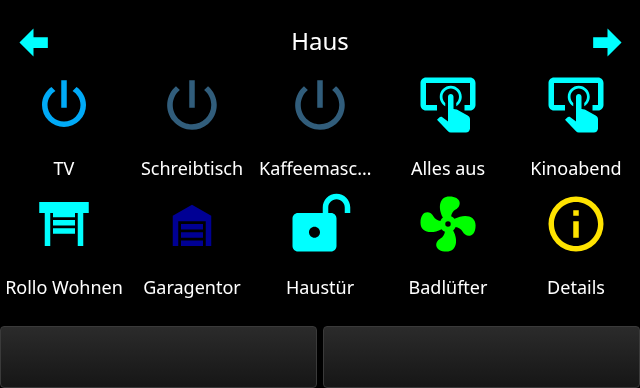 |
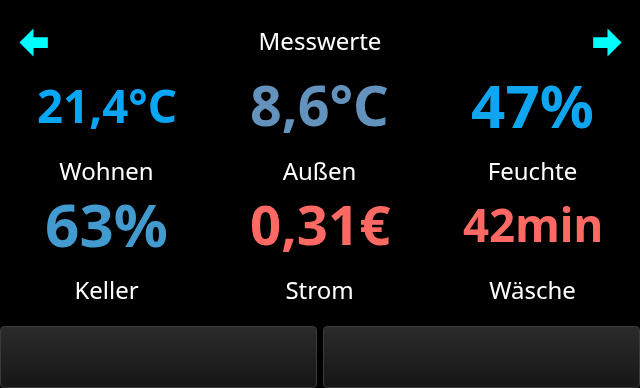 |
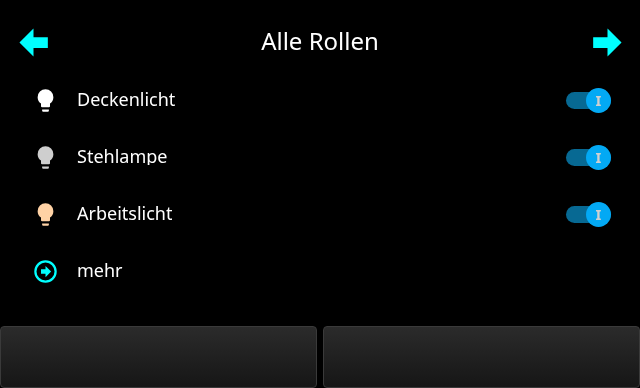 |
| Smartphone portrait (320 × 640) | 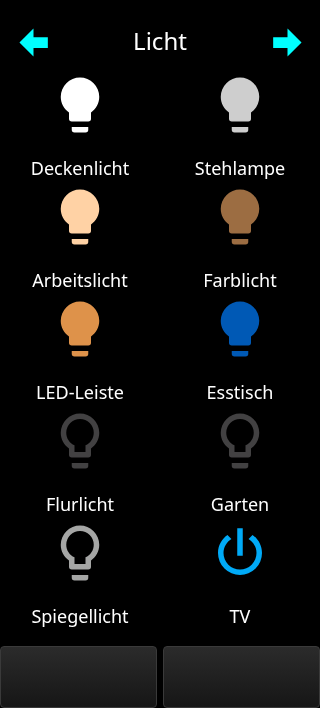 |
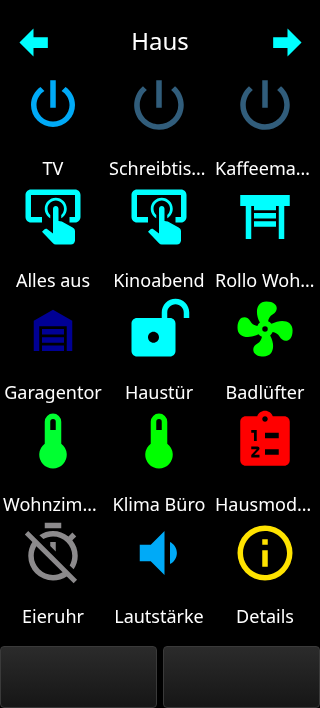 |
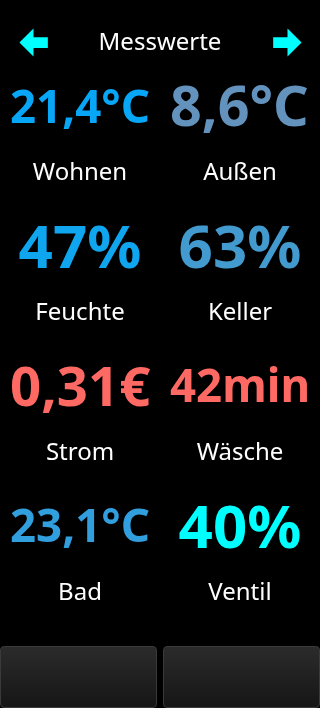 |
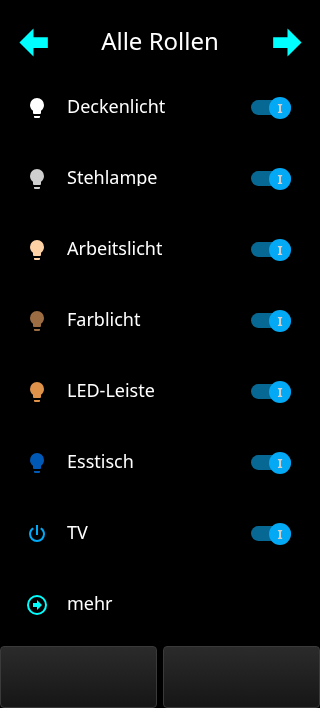 |
| Model | Heating circuits | Power flow | Media | Details |
|---|---|---|---|---|
| EU (480 × 320) | 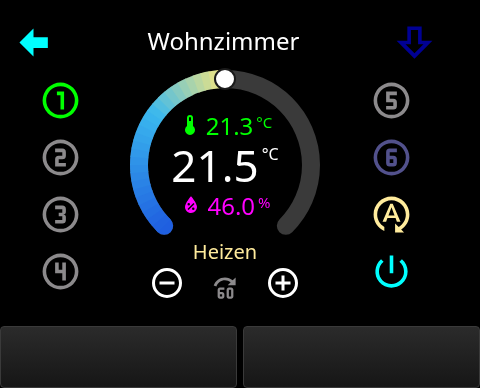 |
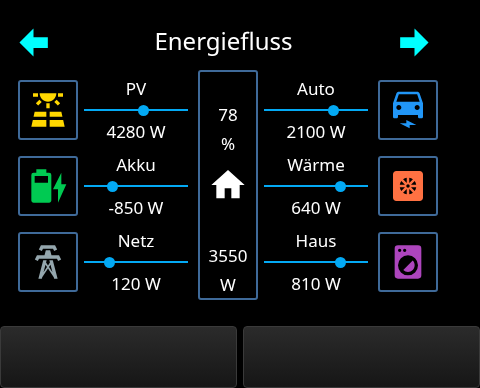 |
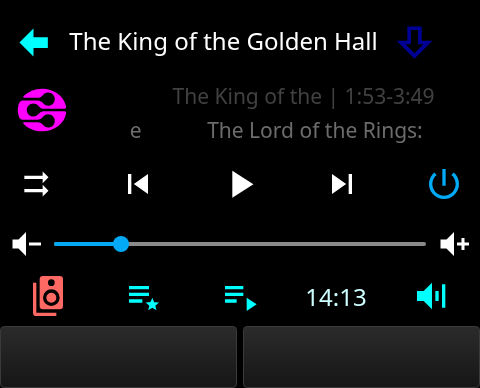 |
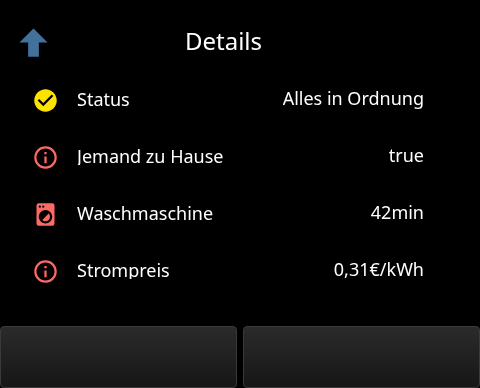 |
| US landscape (480 × 320) | 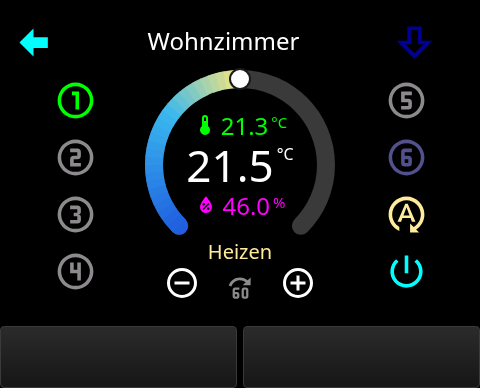 |
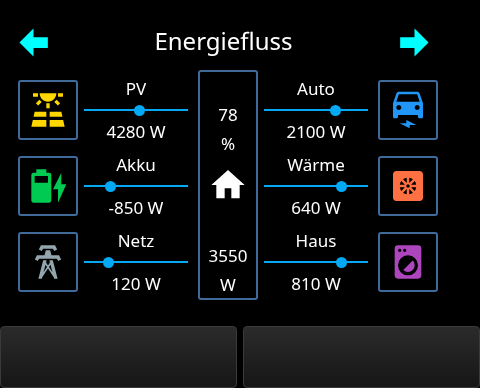 |
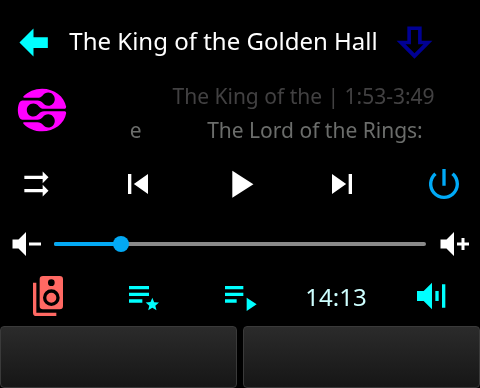 |
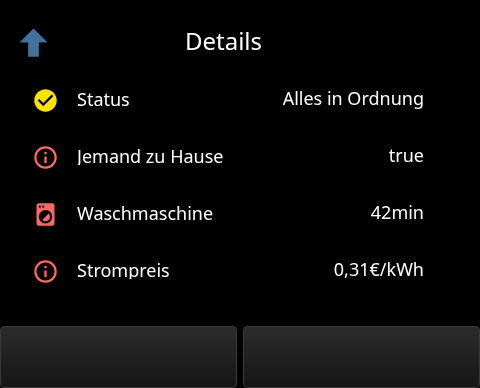 |
| US portrait (320 × 480) | 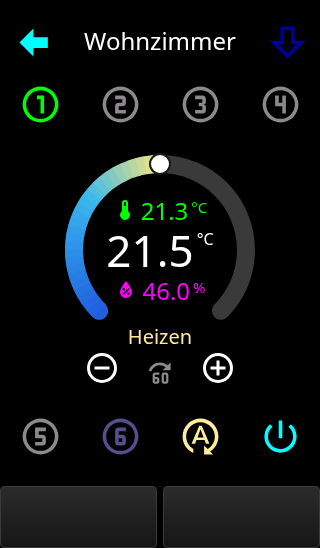 |
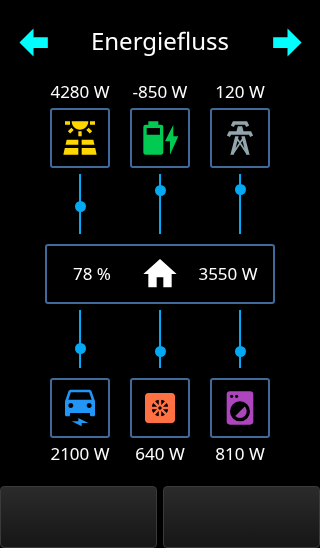 |
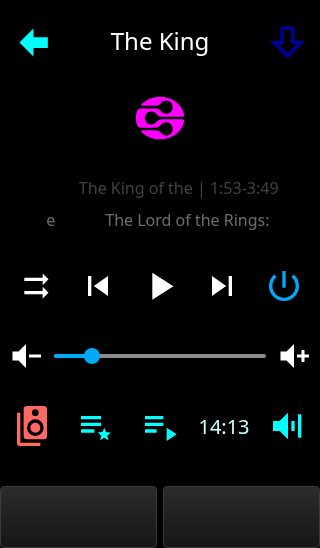 |
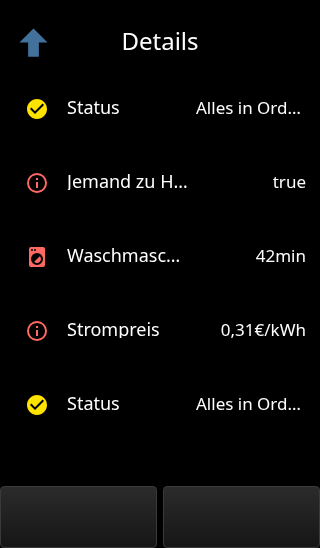 |
| Smartphone landscape (640 × 320) | 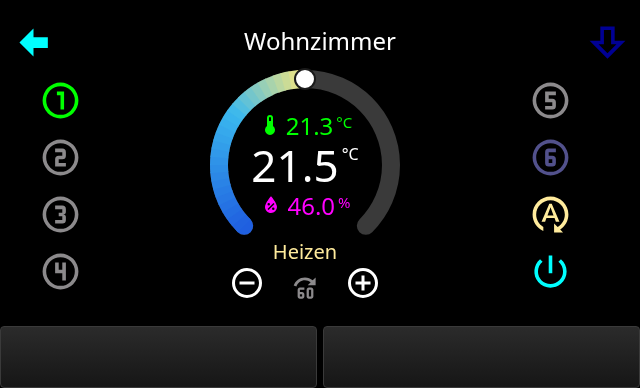 |
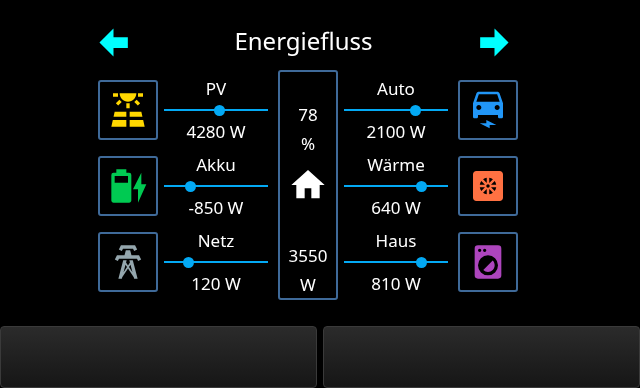 |
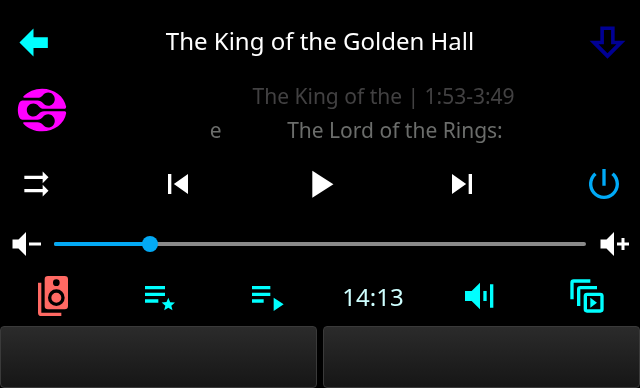 |
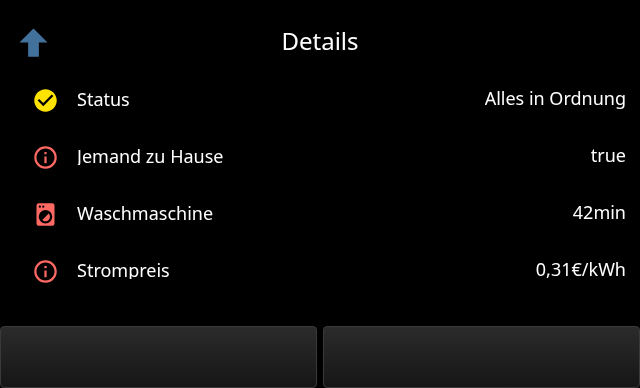 |
| Smartphone portrait (320 × 640) | 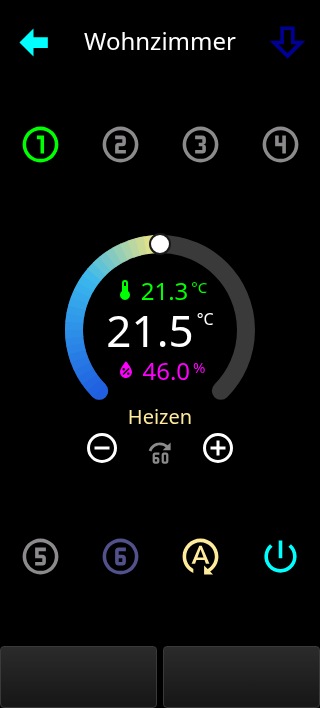 |
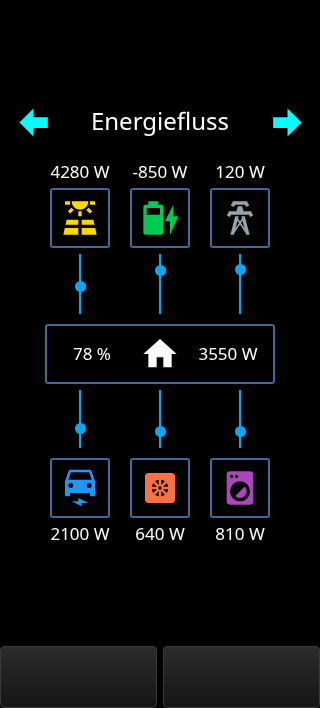 |
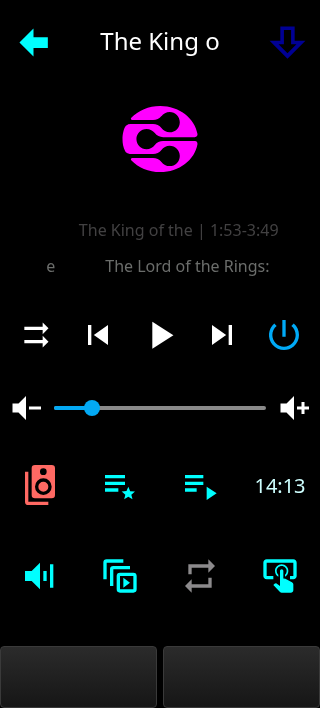 |
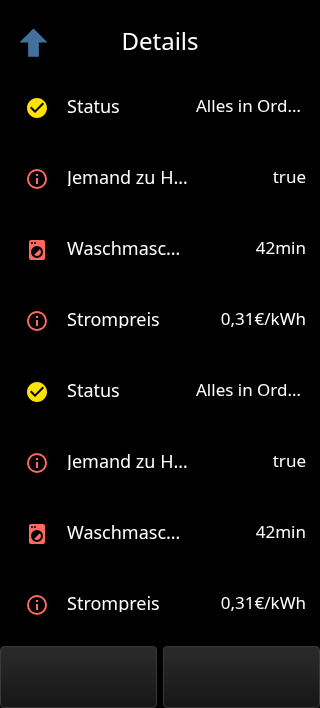 |
↩ Back to Test environment → What the panel shows
Screensaver modes
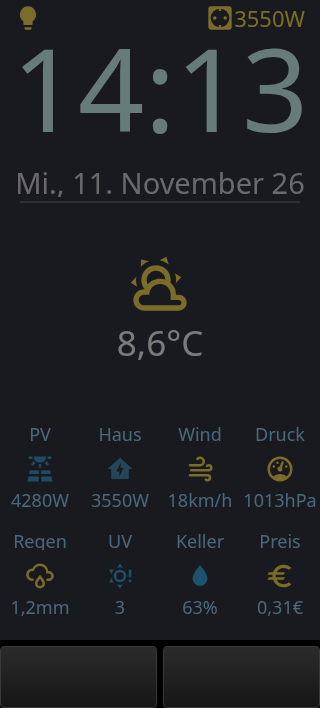
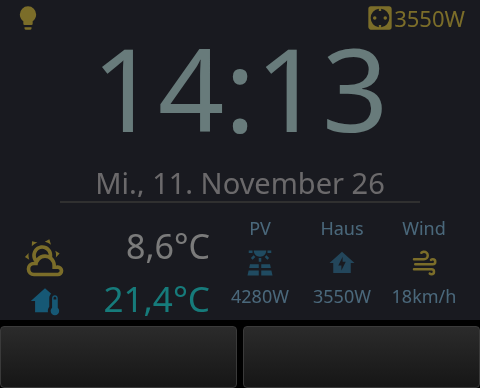
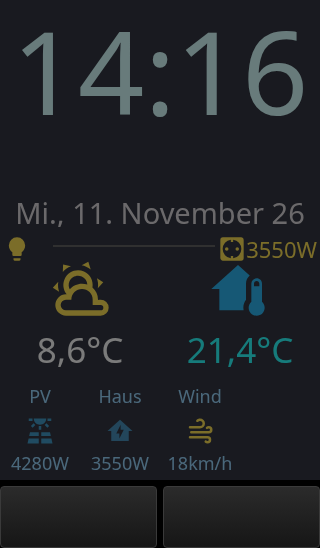
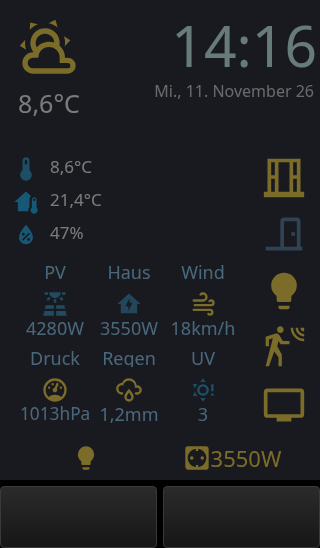
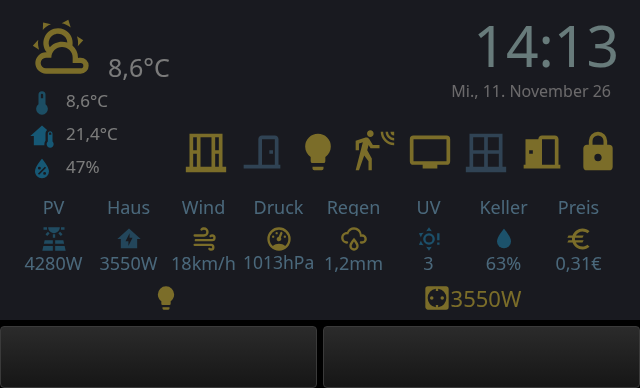
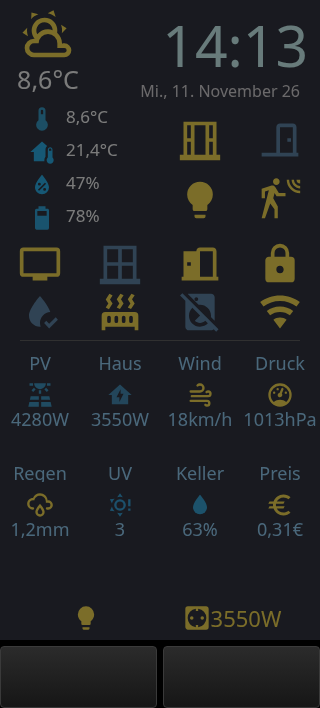
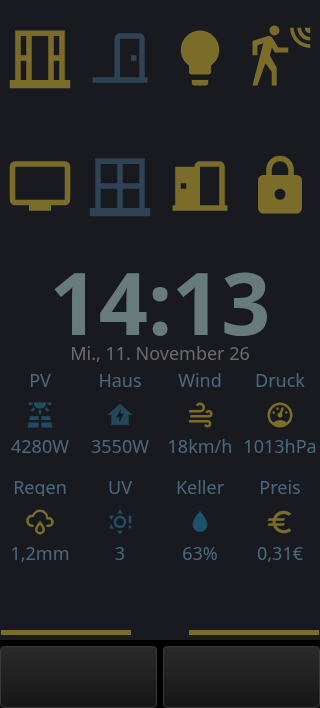
All five modes per model, every slot filled. Switched via cmd.screenSaver.layout (0 … 4).
| Mode | EU (480 × 320) | US landscape (480 × 320) | US portrait (320 × 480) | Smartphone landscape (640 × 320) | Smartphone portrait (320 × 640) |
|---|---|---|---|---|---|
| standard | 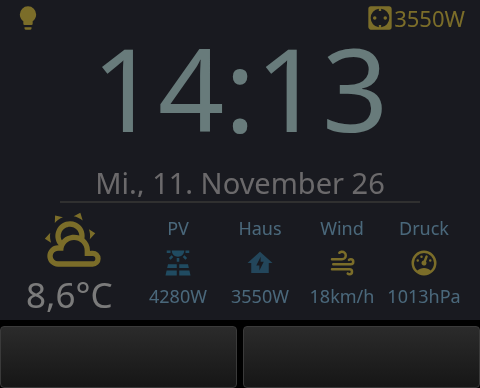 |
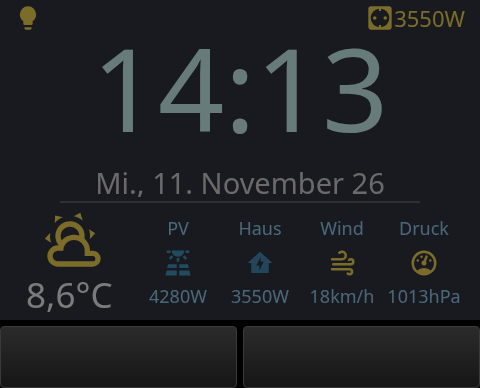 |
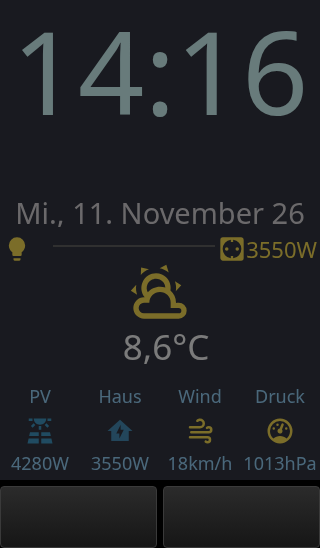 |
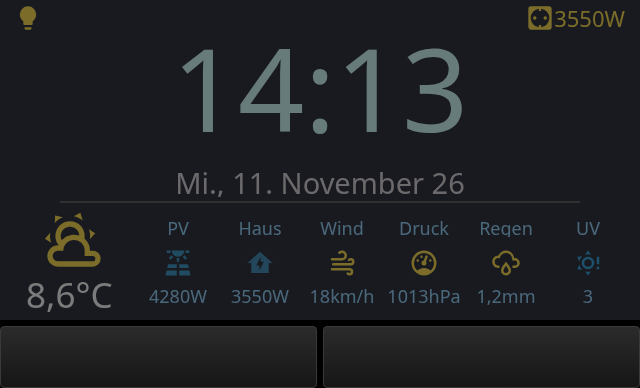 |
 |
| alternate | 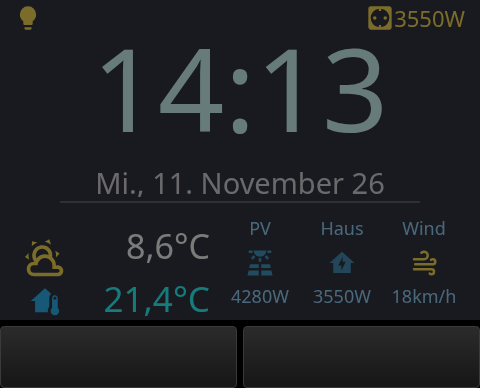 |
 |
 |
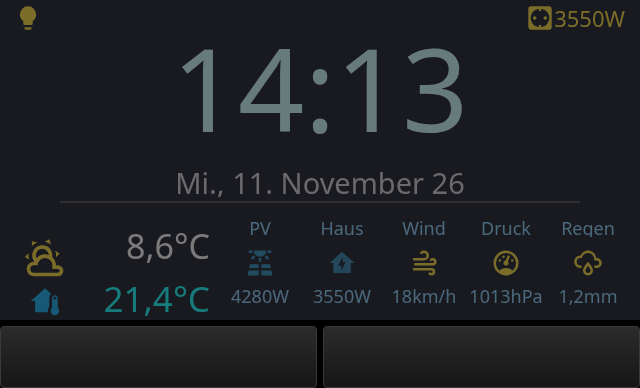 |
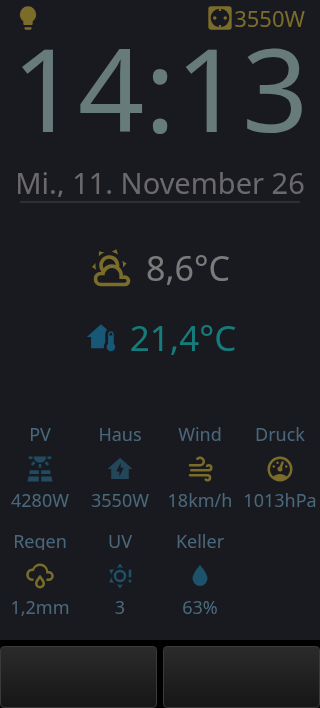 |
| advanced | 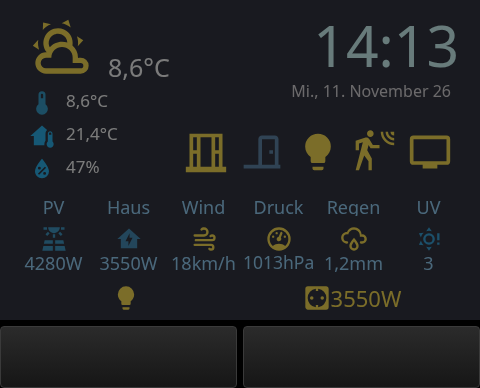 |
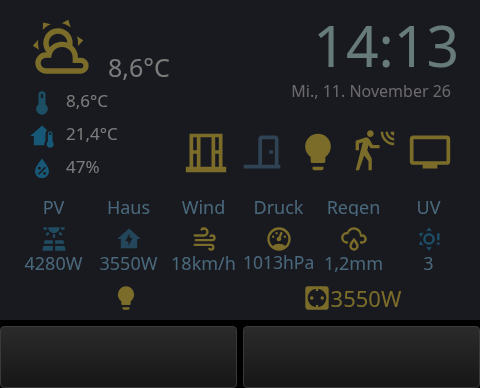 |
 |
 |
 |
| easyview | 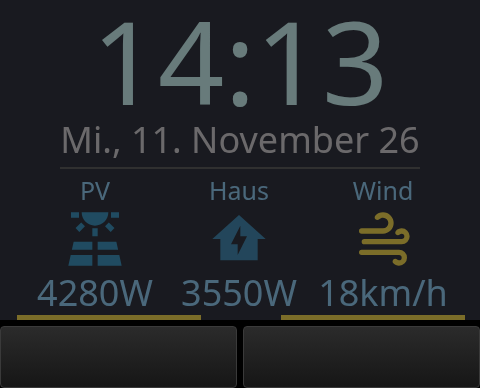 |
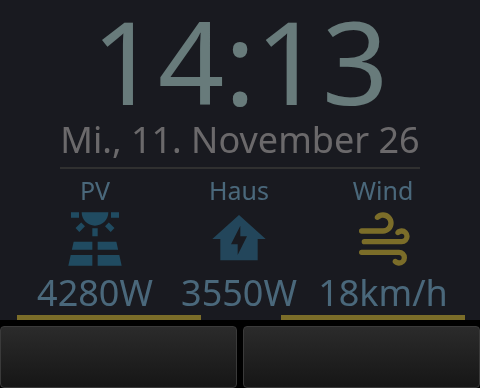 |
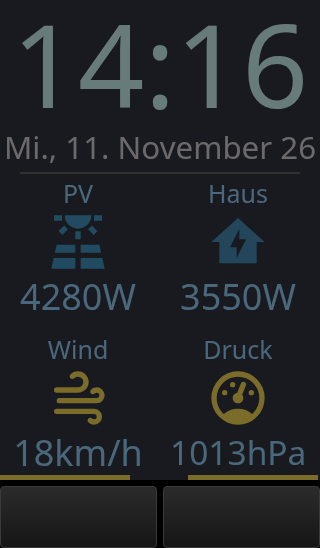 |
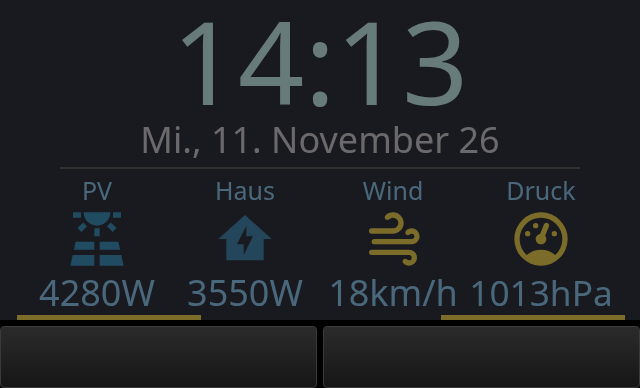 |
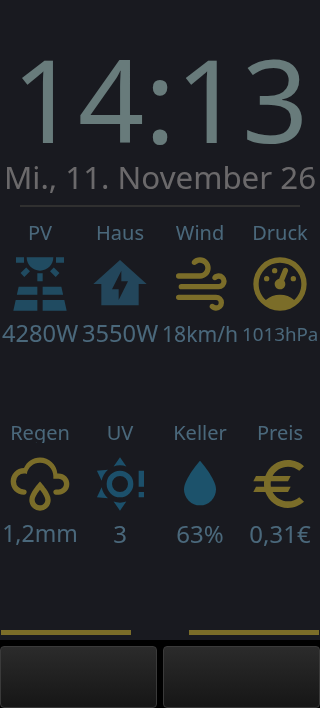 |
| tiles | 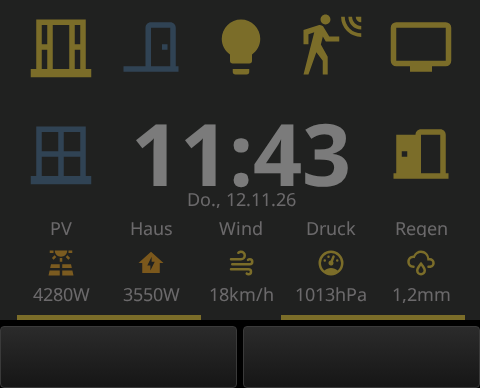 |
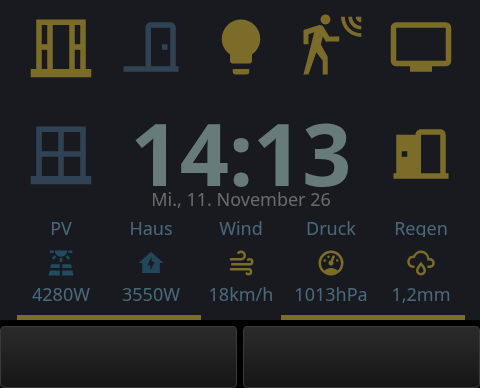 |
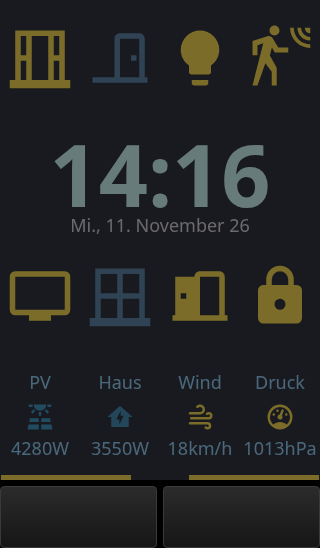 |
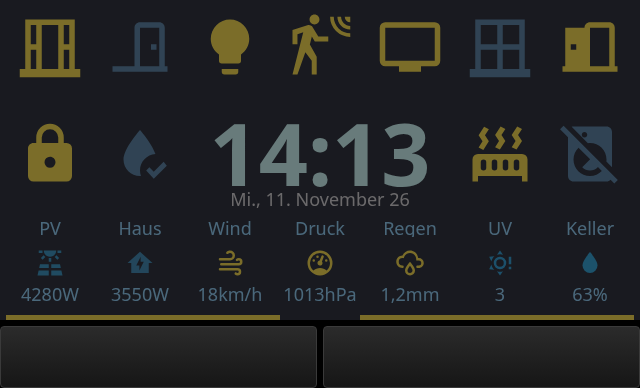 |
 |
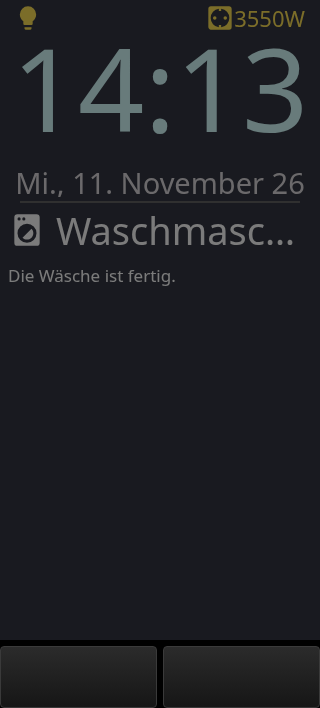
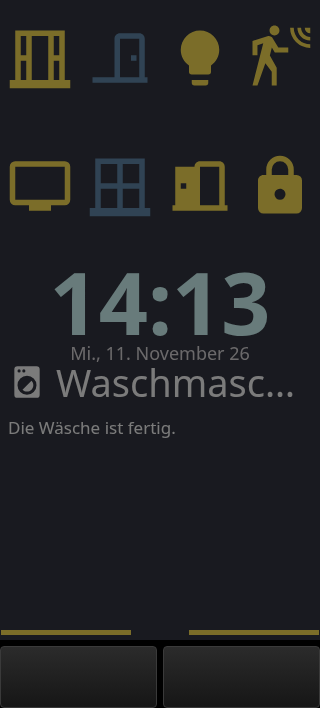
With a notification in the header (only the portrait models were captured this way):
| Mode | US portrait | Smartphone portrait |
|---|---|---|
| standard | 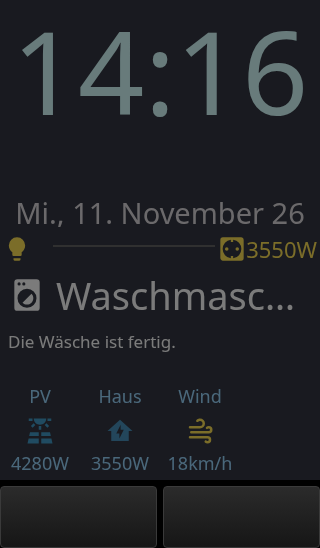 |
 |
| advanced | 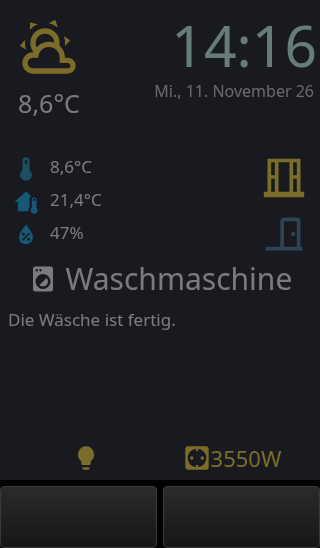 |
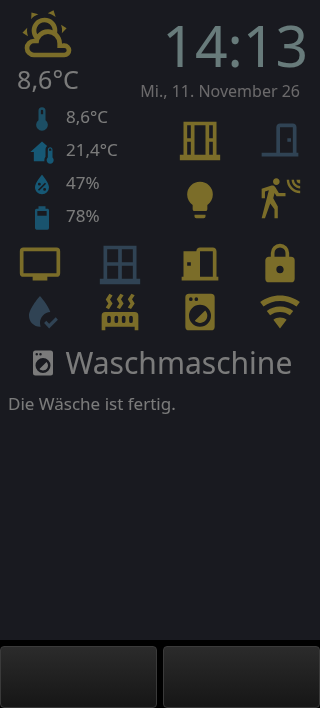 |
| easyview | 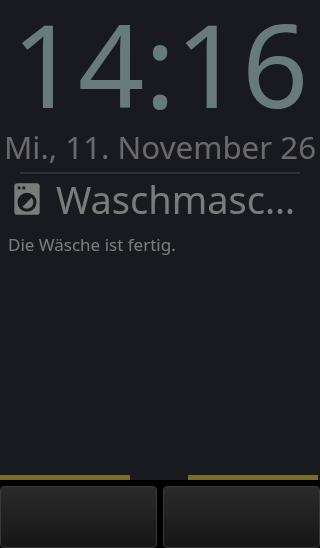 |
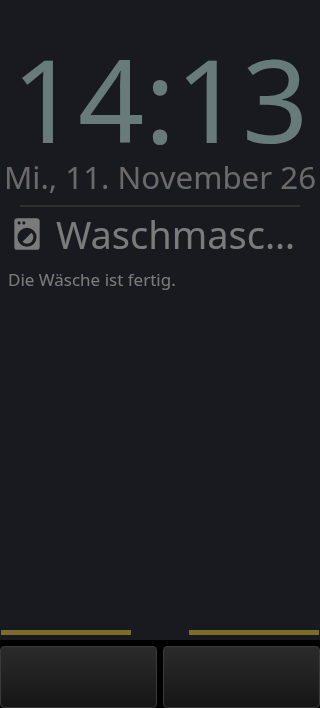 |
| tiles | 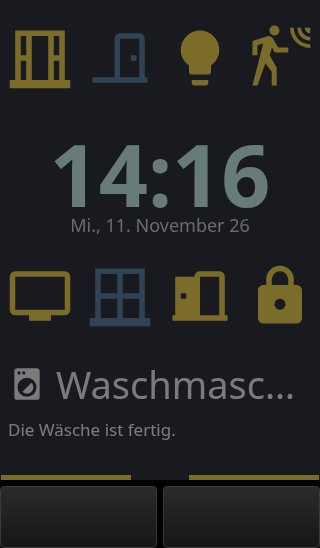 |
 |
↩ Back to Test environment → Screensaver
System page "navigation error"
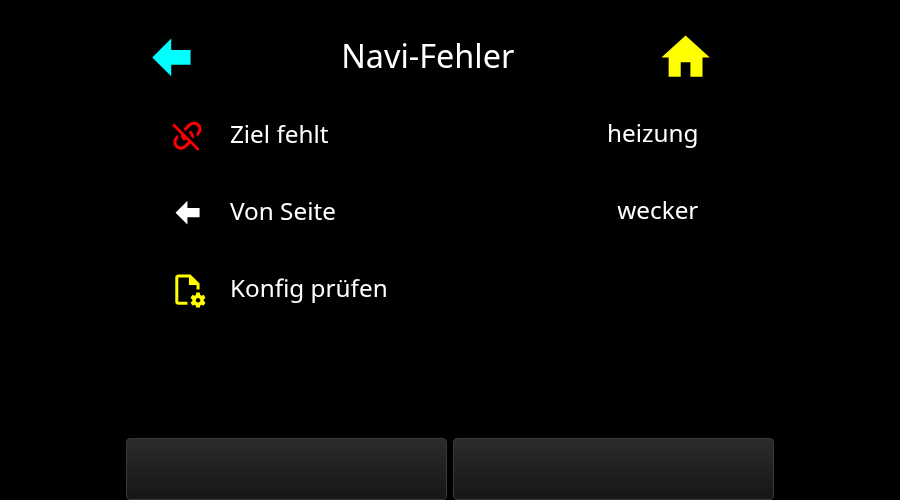
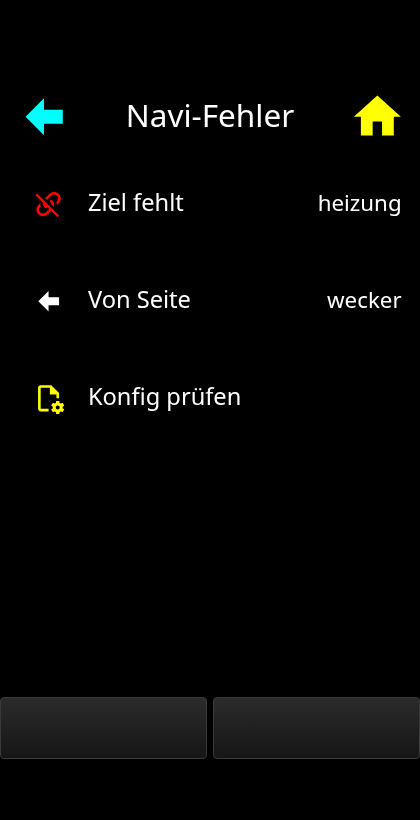
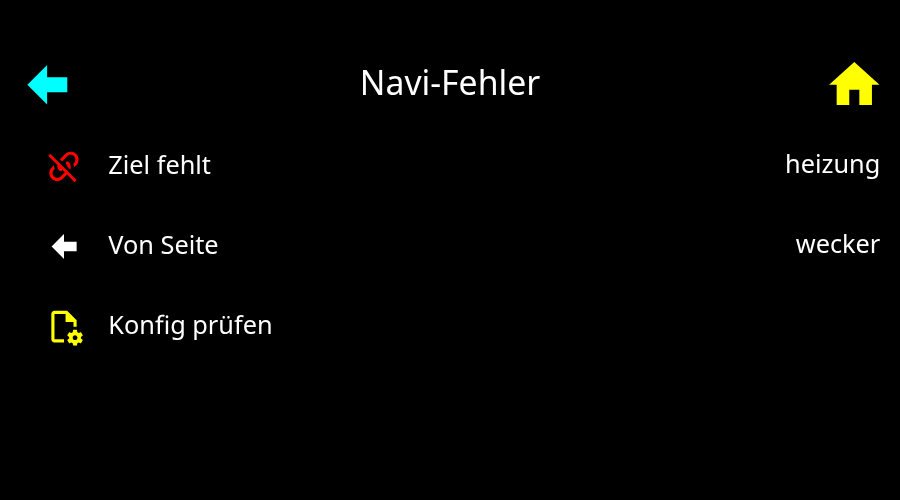
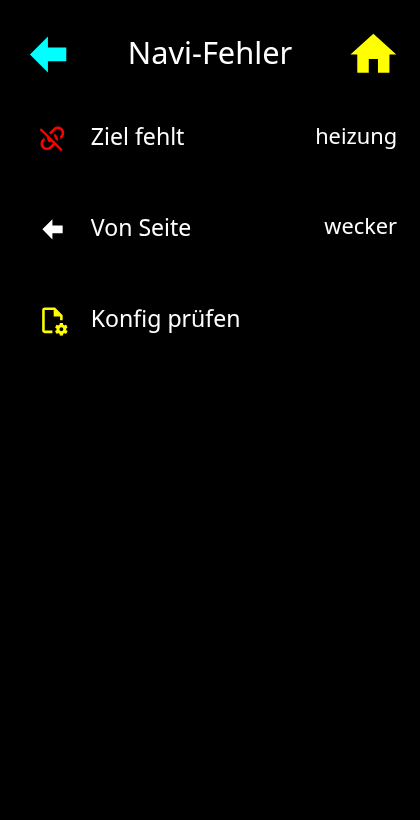
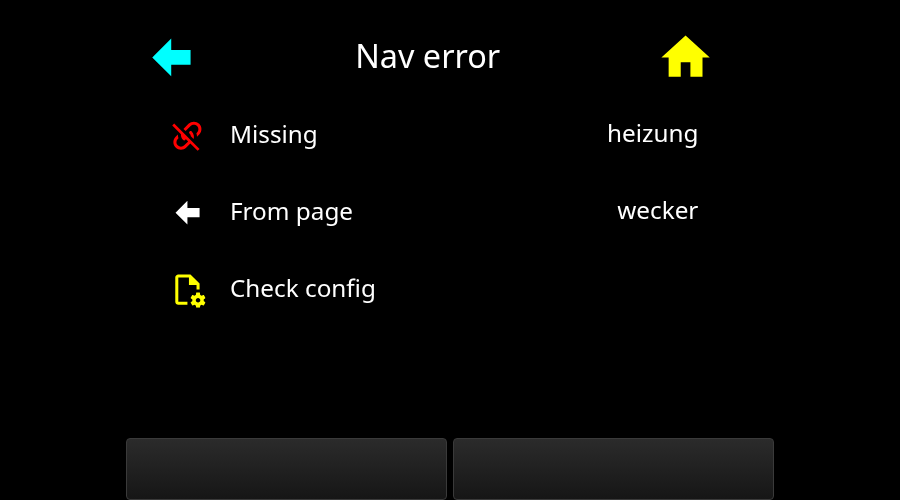
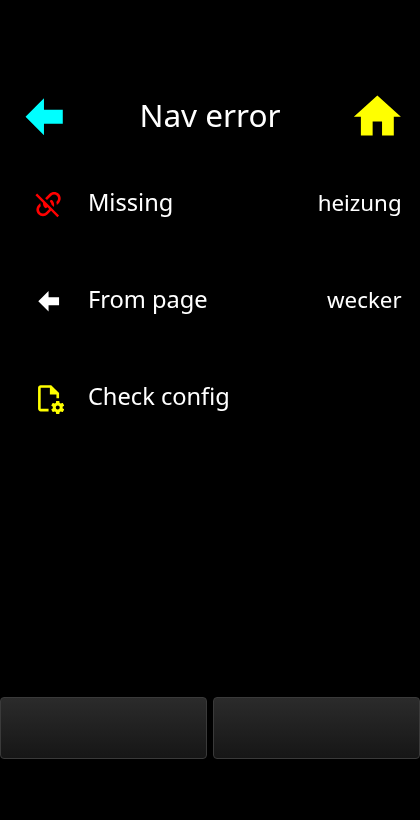
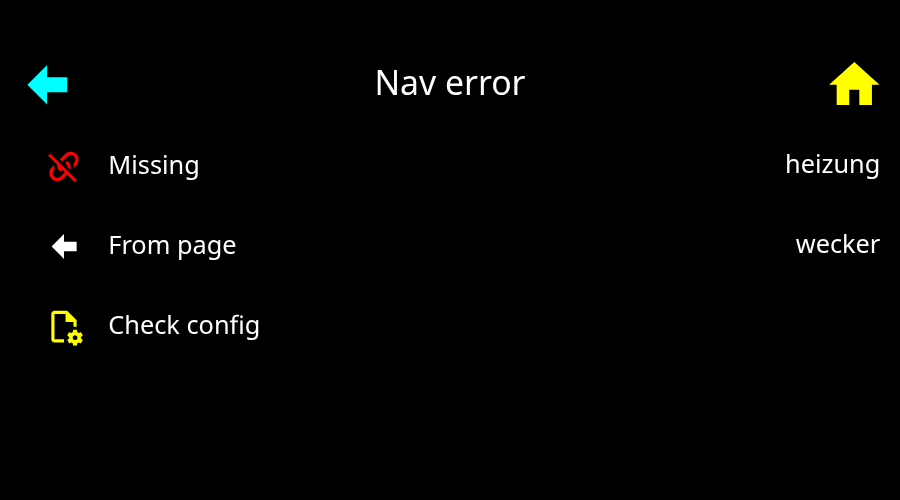
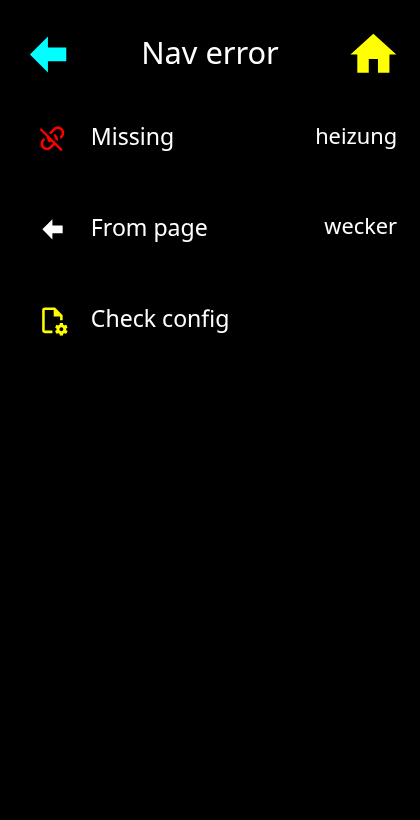
Top row system language German, bottom row English. The short texts fit on the portrait models in all eleven languages.
These pictures do not come from the panel files of the test environment. Their navigation is complete; the screenshots were taken in the older, script-configured setup.
| Language | EU (480 × 320) | US landscape (480 × 320) | US portrait (320 × 480) | Smartphone landscape (640 × 320) | Smartphone portrait (320 × 640) |
|---|---|---|---|---|---|
| Deutsch | 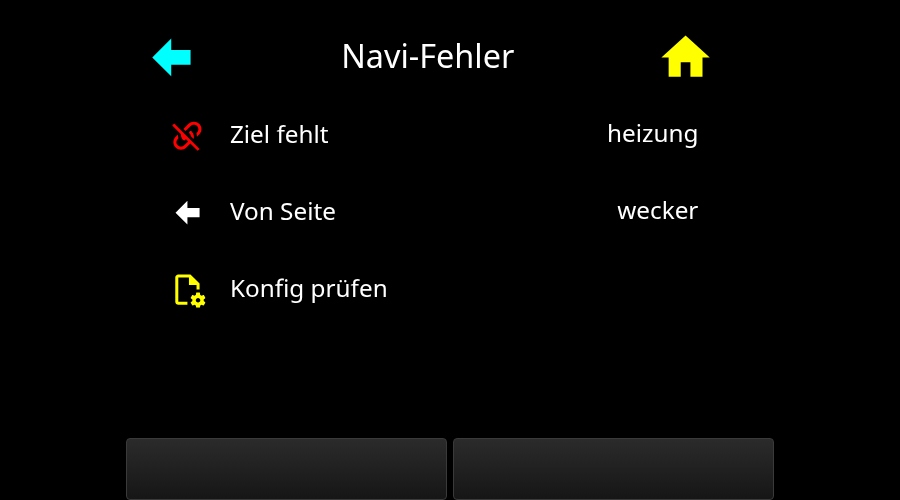 |
 |
 |
 |
 |
| English | 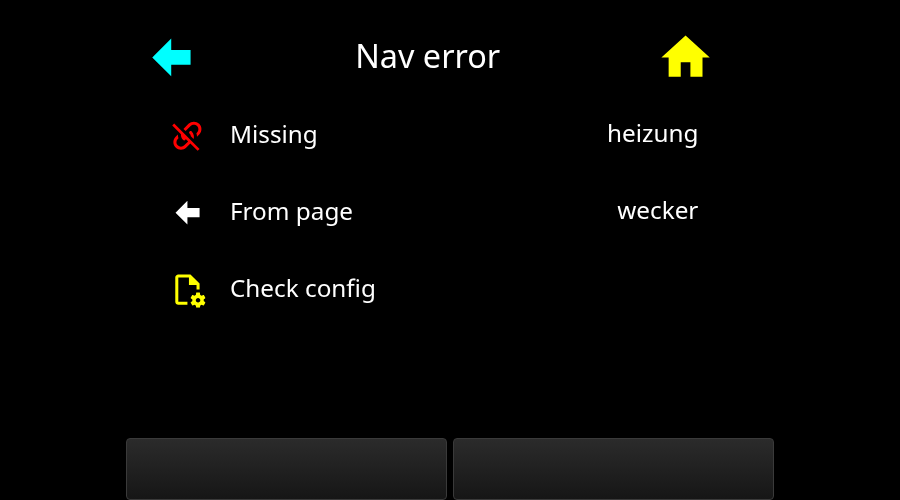 |
 |
 |
 |
 |
↩ Back to Test environment → System page "navigation error"
Before and after
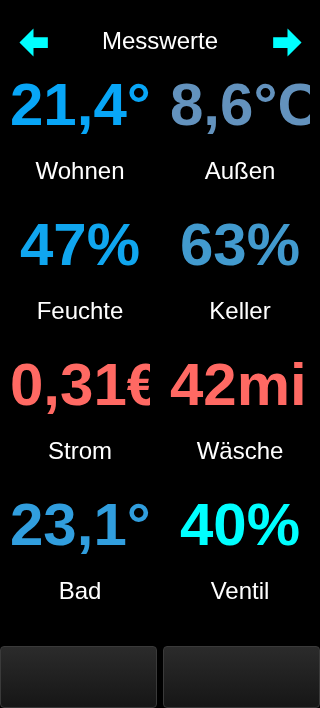
The test environment was built for findings like these — it made them visible. Left before the fix, right after.
| Finding | before | after |
|---|---|---|
| us-p, advanced: drawn in landscape, cut off on the right, notification icon as a box | 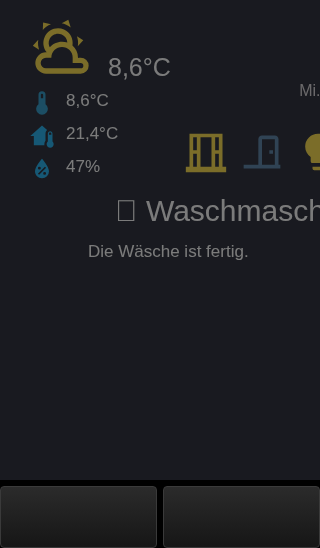 |
|
| us-p, cardGrid3: large values overlapped and were cut off | 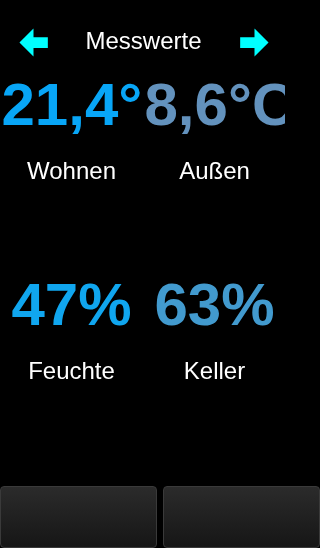 |
|
web-p, cardGrid3: values cut off (0,31€, 42mi) |
 |
|
| us-p, cardGrid2: names collided, content shifted 16 px to the left | 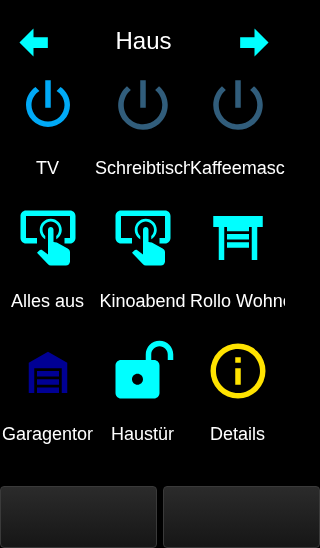 |
|
| us-p, cardEntities: values cut off mid-character | 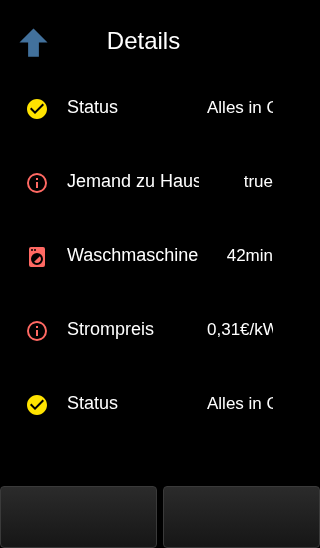 |
|
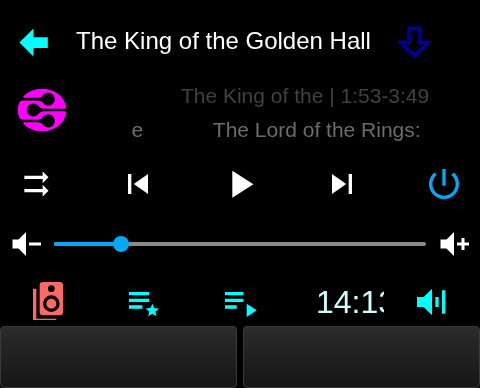
eu, cardMedia: bottom option row cut off, remaining time 14:1 |
 |
|
| eu, EasyView: MR bars missing, wide values cut off | 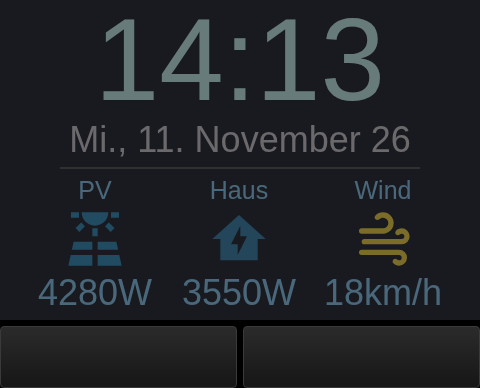 |
|
↩ Back to Test environment → What it is for
